
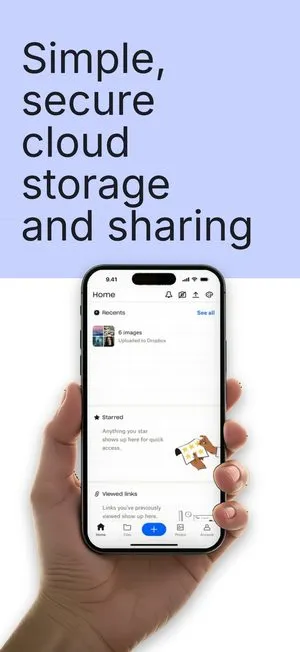


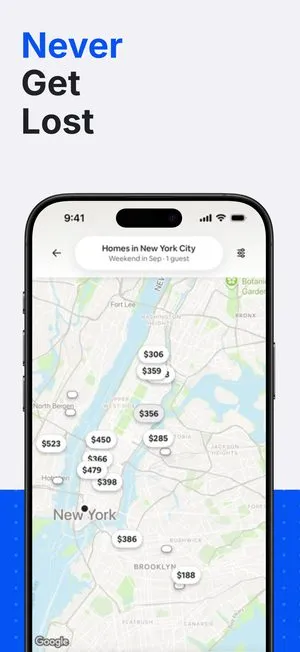
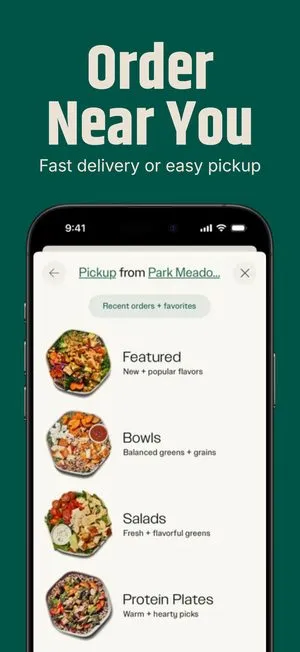

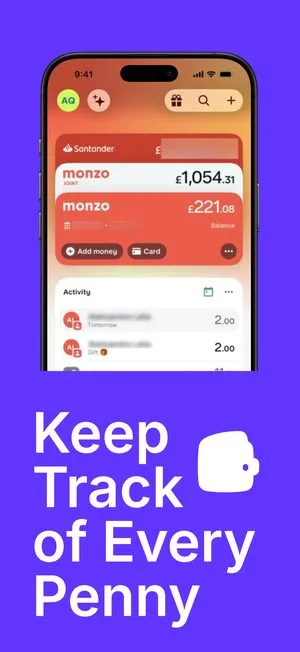
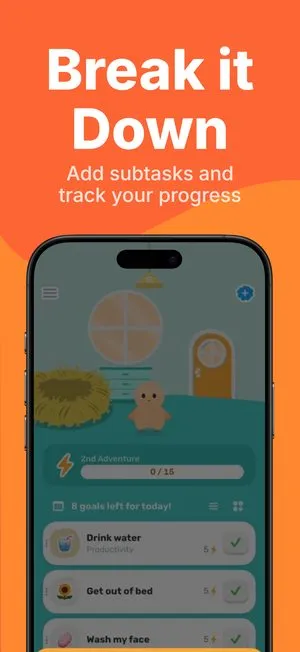
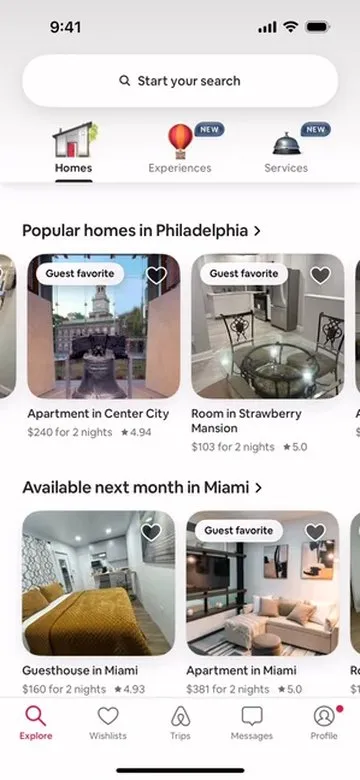
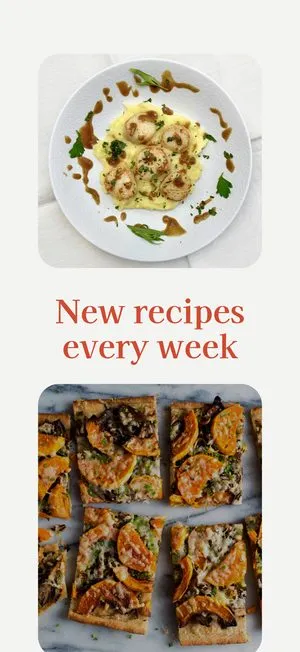
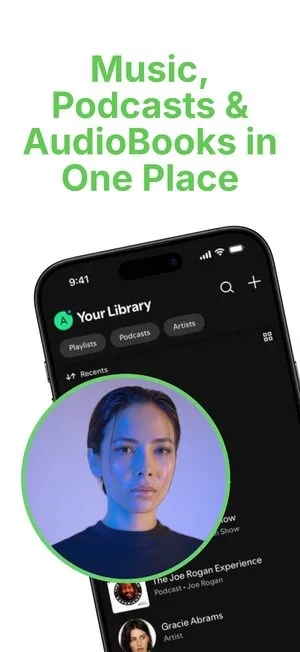


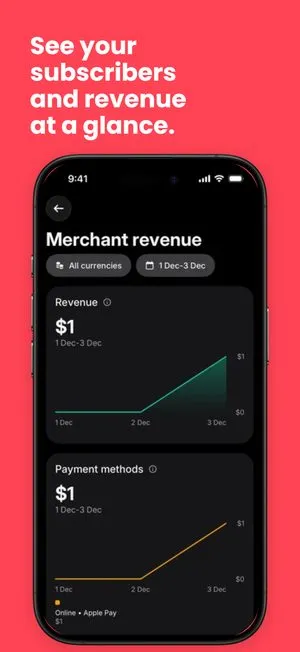

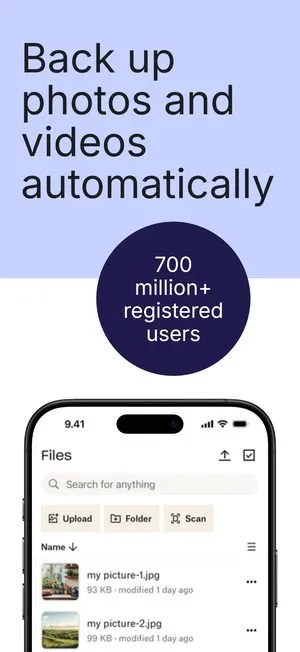
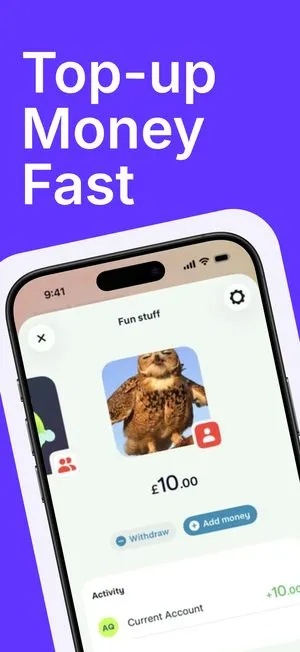
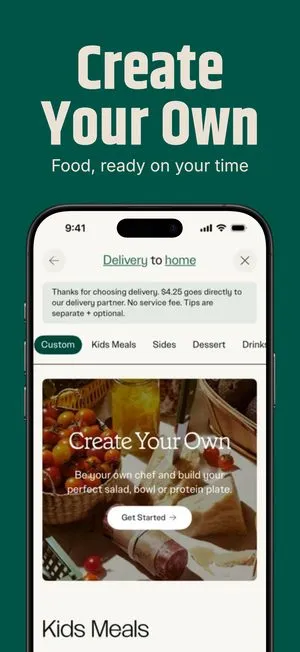
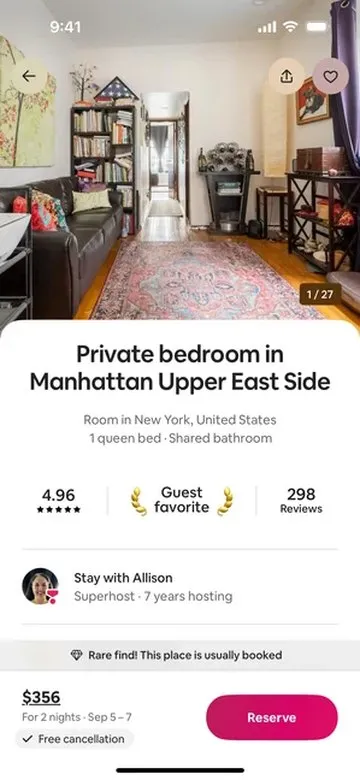
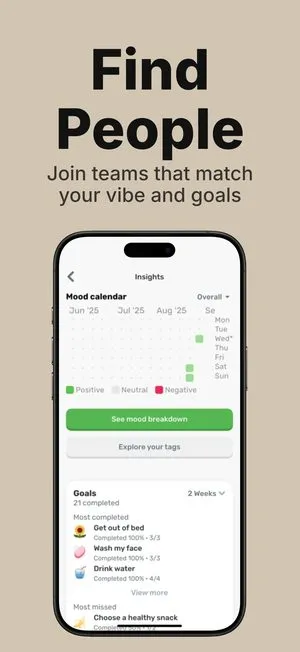
一次设计。
四十八种语言。
每一种商店画布。
无需重复输入。

选择一个设计。
让它成为你的。
添加一种语言。
整套内容随之更新。
屏幕不变,句子是变量。
还有 36 种 App Store 语言
 English (U.S.)
从一套模板开始。
每个方案都可编辑。
浏览目录 arrow_forward通过 MCP 提供 21 种工具。Claude、ChatGPT、Cursor、Codex、Make、Zapier。
为每款应用提供简单的定价
免费开始,上线时再升级。没有按席位收费,付费方案不带水印。
免费无需信用卡
$0/月
真正免费,非试用
- 无限屏幕和项目
- 所有模板,无一例外
- 全部33种设备边框,所有应用商店尺寸
- 无限导出,PNG和JPG
Pro
$9.99/月
适合发布自有应用的开发者
- 免费方案的全部功能,无限量
- 所有导出均无水印
- App Store全部48种语言
- Figma连接器
Launch Pass
$149 一次性
一次付费,永久使用
- Pro方案的全部功能,永久有效
- 所有导出均无水印
- App Store全部48种语言
常见问题
还有其他问题?联系我们的团队,我们会尽快回复。
联系我们What does ScreenMocks do?
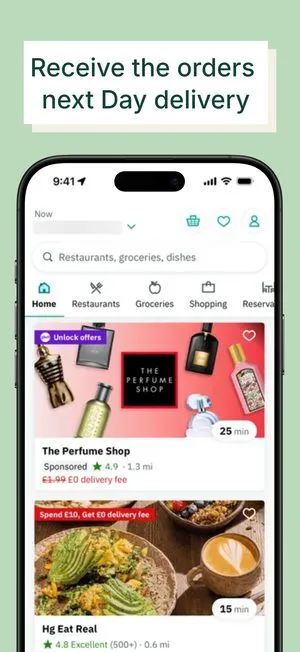
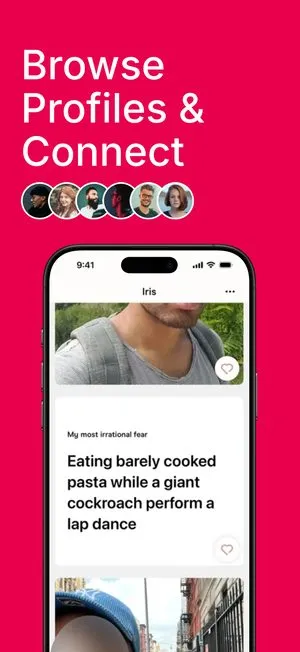
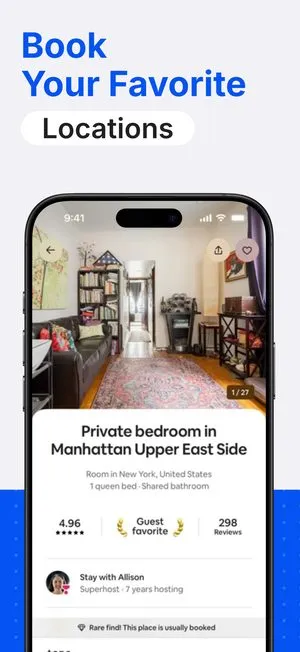
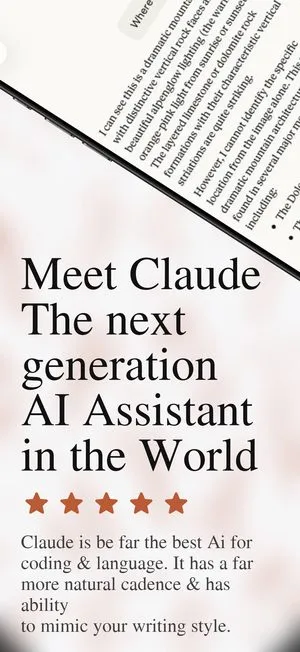
ScreenMocks turns raw app screenshots into a polished, localized App Store set. You start from a template, drop in your screens, and export every required size in one pass.
Are the device frames real Apple sizes?
Yes. ScreenMocks ships 33 official device frames in 101 finishes, from iPhone 14 through 17 and the full iPad lineup, plus Google Pixel and Samsung tablet art, at the exact sizes each store expects.
Can I localize my screenshots?
Yes. One design renders all 48 App Store locales. Per-language overrides let you tweak copy or layout for a specific market without duplicating the project.
Do I need design skills?
No. Every project starts from a designed template. Swap your screens, edit the copy, and adjust colors in a live canvas.
Where are my projects stored?
Your projects are saved to your ScreenMocks account, so the same work opens on any machine you sign in from. Only you can read them, and rendering and export happen in your own browser.