
The screenshot toolyour agent canactually use.
Design the set once. Ship it in forty eight languages, on every canvas Apple and Google ask for, from the editor or straight from Claude.
No card. Every export is yours to keep.
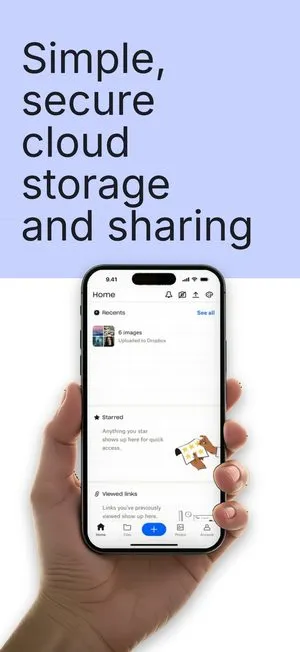
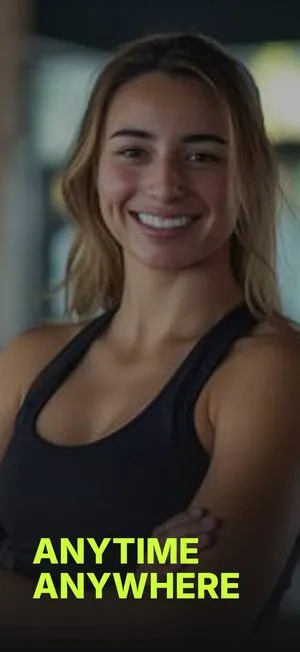

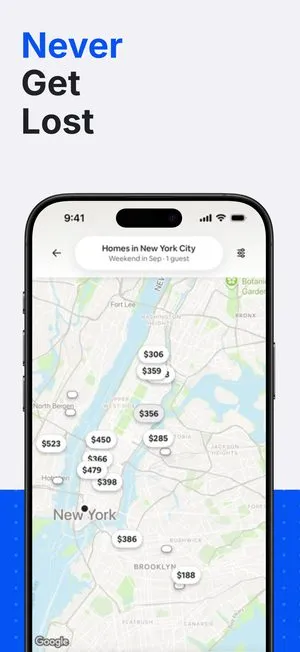
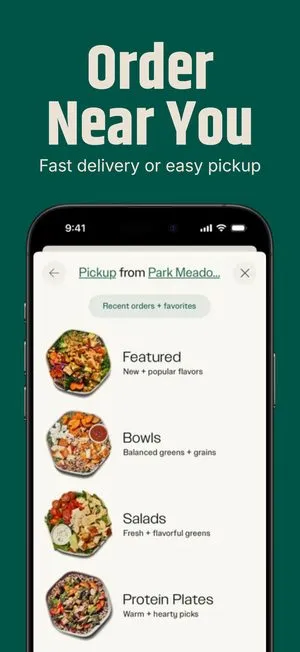
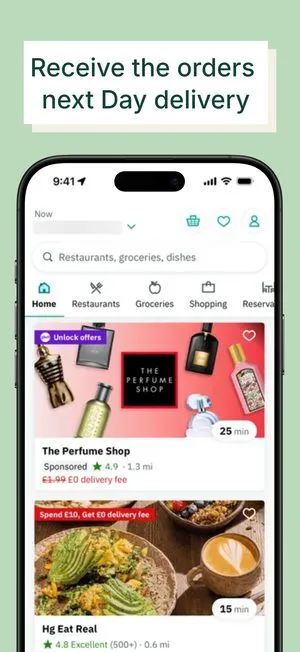
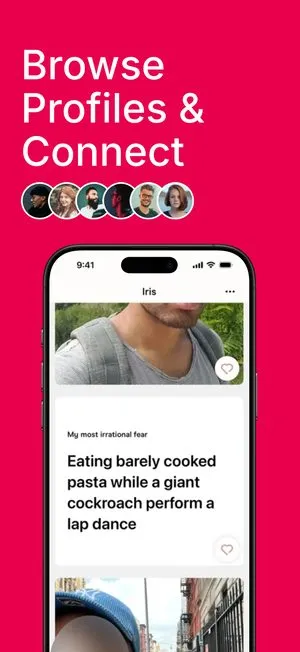
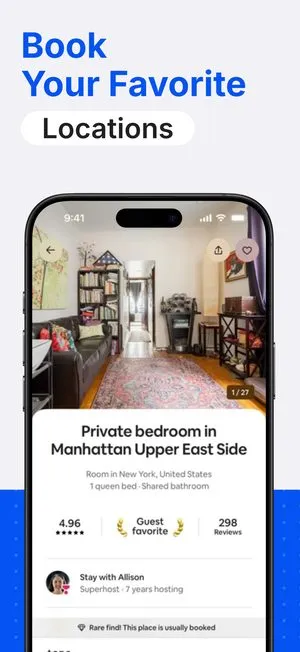


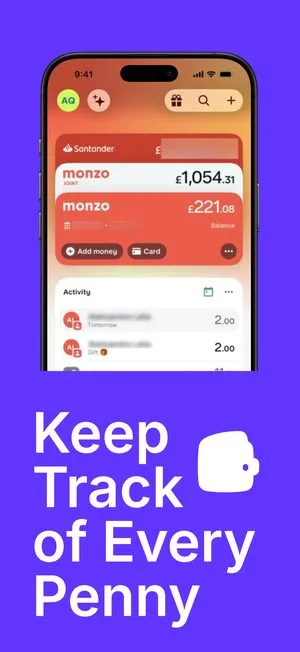
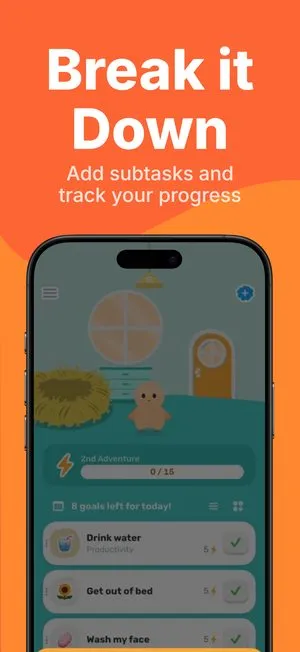
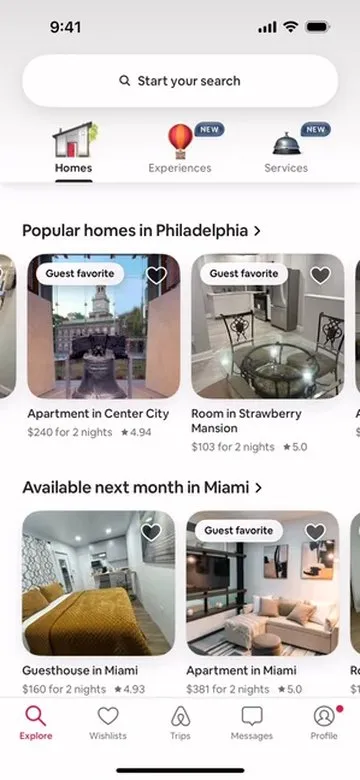

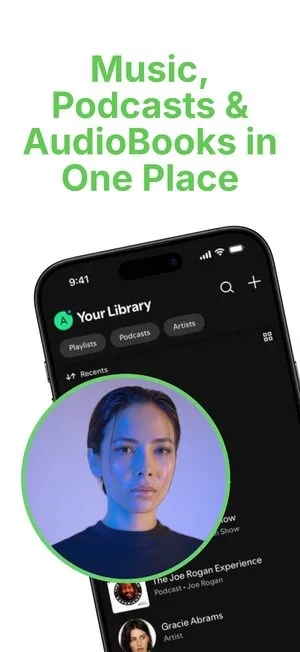
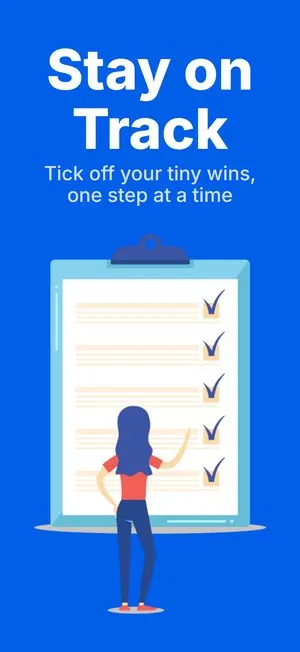


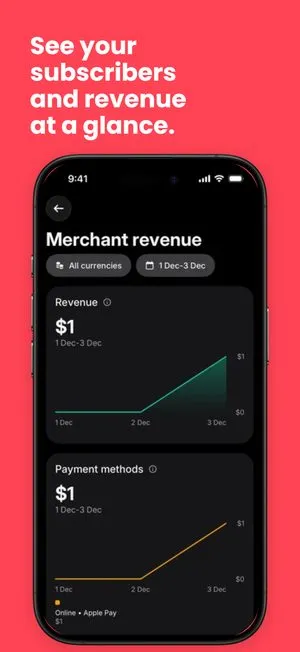

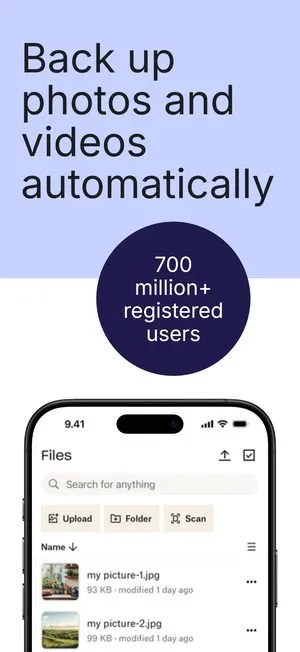
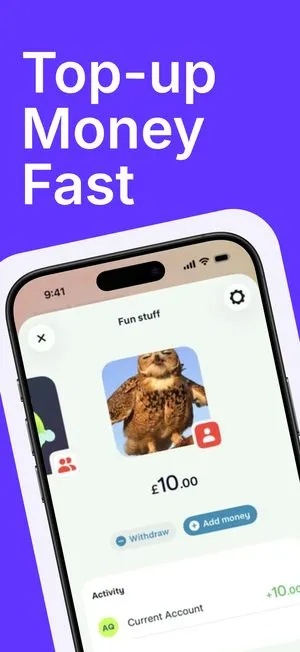
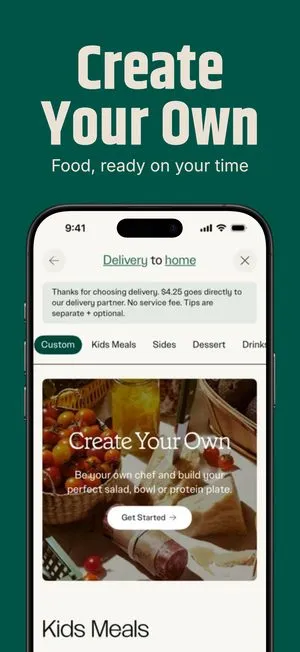
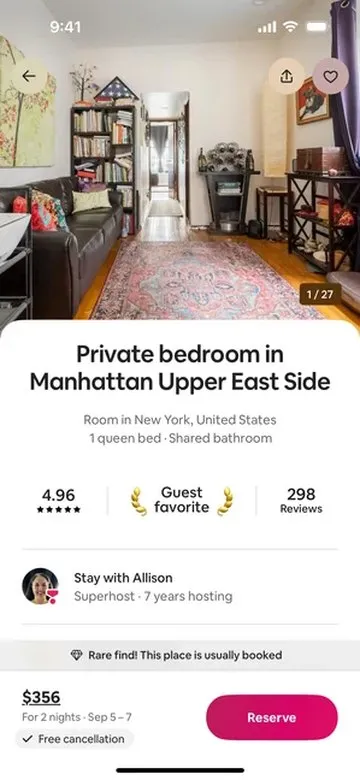
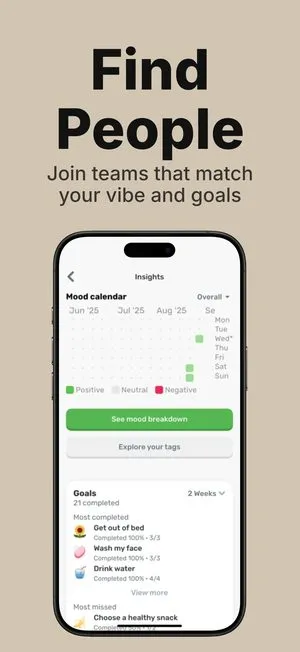
One design.
Forty eight languages.
Every store canvas.
Nothing typed twice.

Pick a design.
Make it yours.
Add a language.
The whole set follows.
The screen is the constant. The sentence is the variable.
and 36 more App Store locales

 English (U.S.)
Start from a set.
Every one is editable, on every plan.
Browse the catalogue arrow_forward21 tools over MCP. Claude, ChatGPT, Cursor, Codex, Make, Zapier.
Simple Pricing for Every App
Start free, upgrade when you ship. No per-seat fees, and no watermarks on paid plans.
FreeNo card required
$0/month
Genuinely free, not a trial
- Unlimited screens and projects
- Every template, no exceptions
- All 33 device frames, every store size
- Unlimited exports, PNG and JPG
Pro
$9.99/month
For developers shipping their own apps
- Everything in Free, unlimited
- No watermark on any export
- All 48 App Store locales
- Figma Connector
Launch Pass
$149 once
Pay once, use it forever
- Everything in Pro, forever
- No watermark on any export
- All 48 App Store locales
Frequently Asked Questions
Have more questions? Reach out to our team and we will get back to you.
Contact usWhat does ScreenMocks do?
ScreenMocks turns raw app screenshots into a polished, localized App Store set. You start from a template, drop in your screens, and export every required size in one pass.
Are the device frames real Apple sizes?
Yes. ScreenMocks ships 33 official device frames in 101 finishes, from iPhone 14 through 17 and the full iPad lineup, plus Google Pixel and Samsung tablet art, at the exact sizes each store expects.
Can I localize my screenshots?
Yes. One design renders all 48 App Store locales. Per-language overrides let you tweak copy or layout for a specific market without duplicating the project.
Do I need design skills?
No. Every project starts from a designed template. Swap your screens, edit the copy, and adjust colors in a live canvas.
Where are my projects stored?
Your projects are saved to your ScreenMocks account, so the same work opens on any machine you sign in from. Only you can read them, and rendering and export happen in your own browser.