
スクリーンショットツールAIエージェントが本当に使える。
セットは一度デザインするだけ。48言語で、AppleとGoogleが求めるすべてのサイズに、エディタからでもClaudeから直接でも書き出せます。
カード不要。書き出したものはすべてあなたのものです。
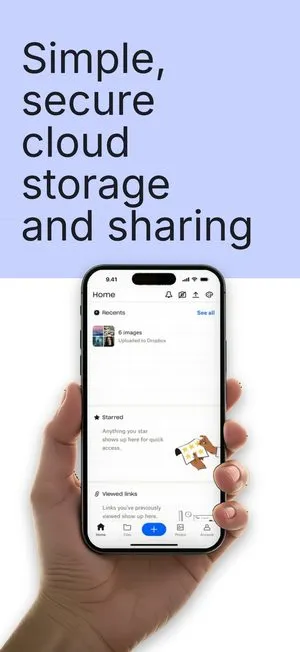

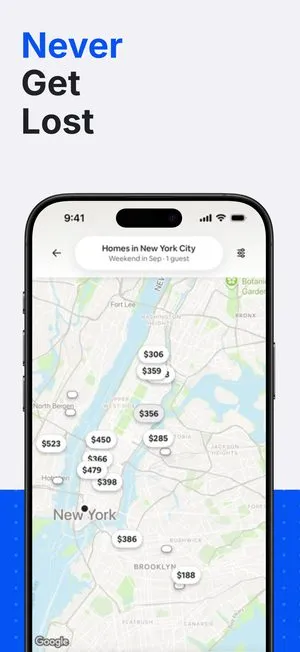
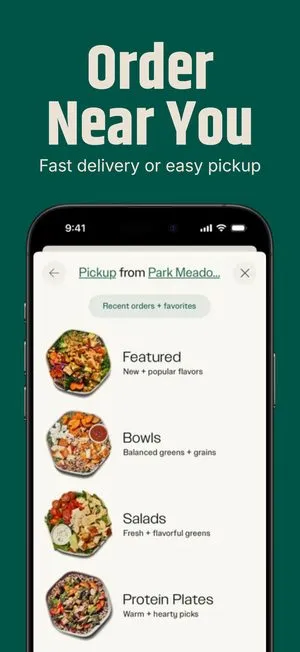
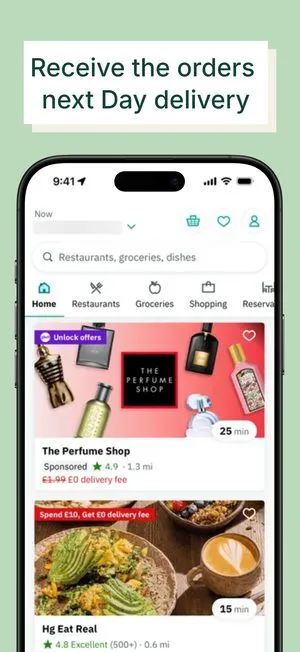
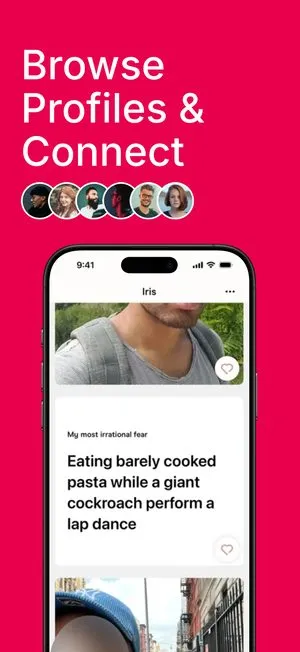
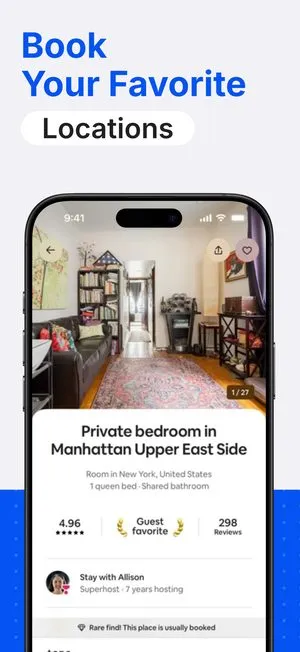
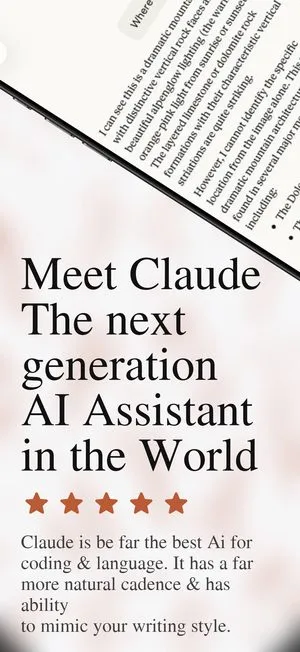

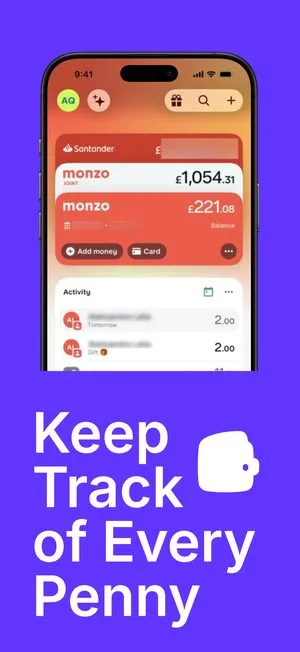
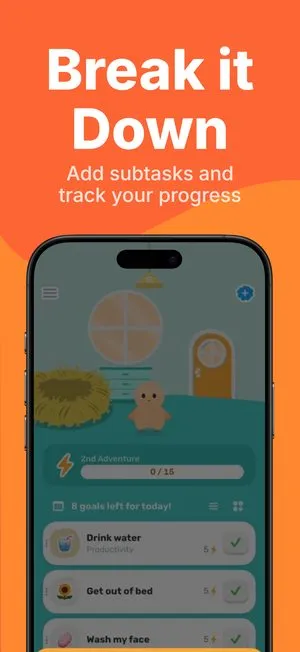
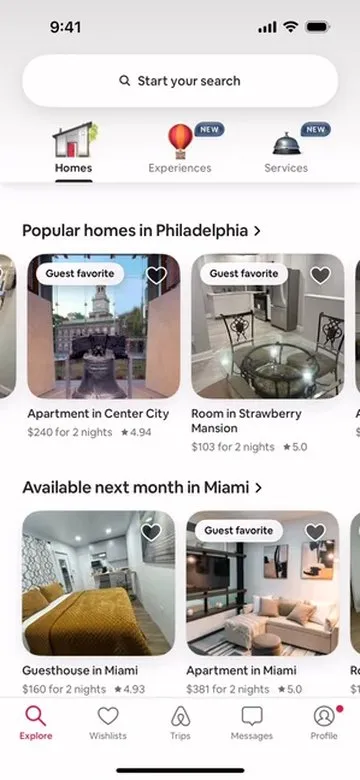
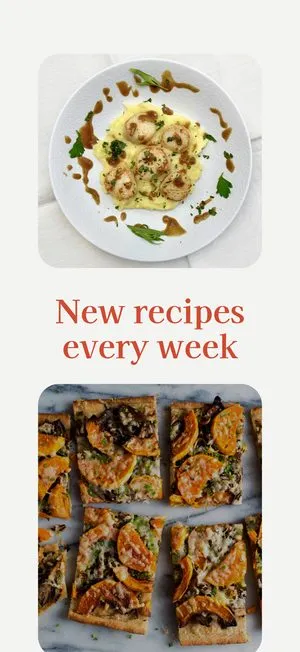
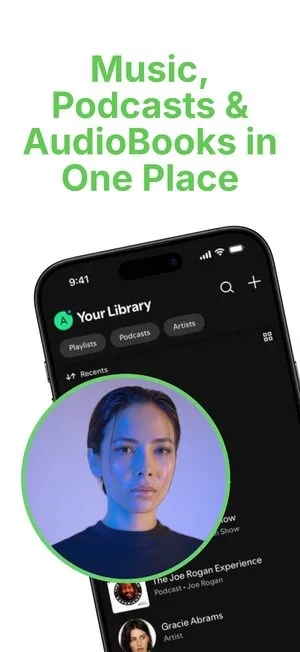
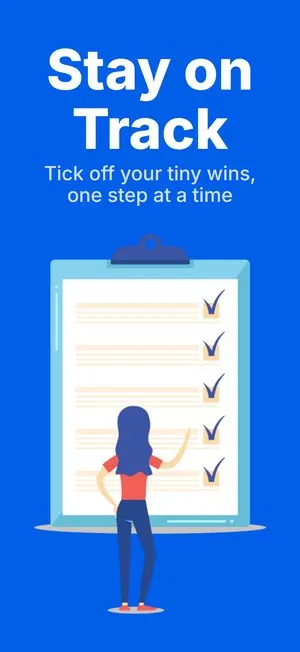


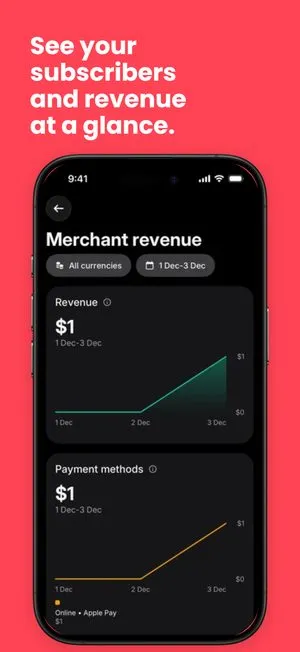
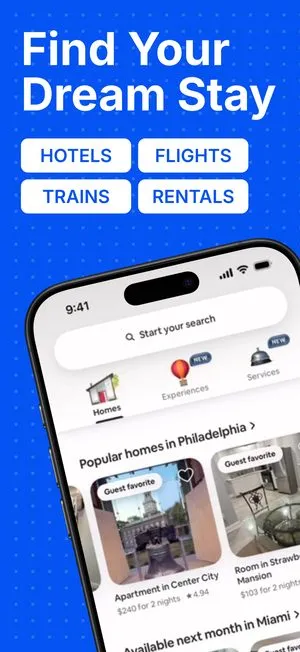
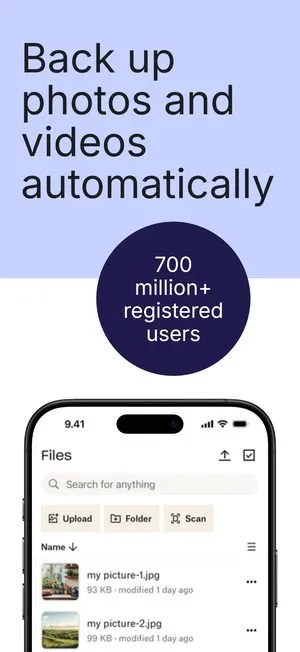
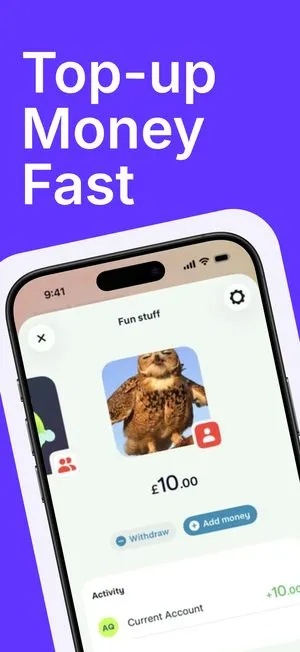
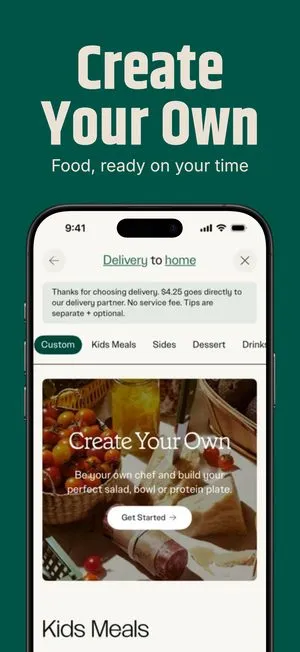
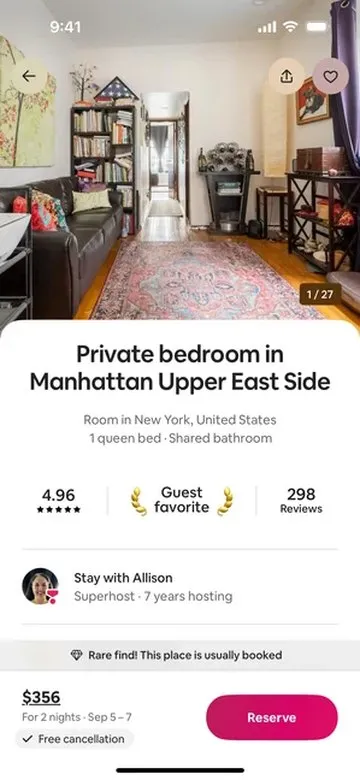
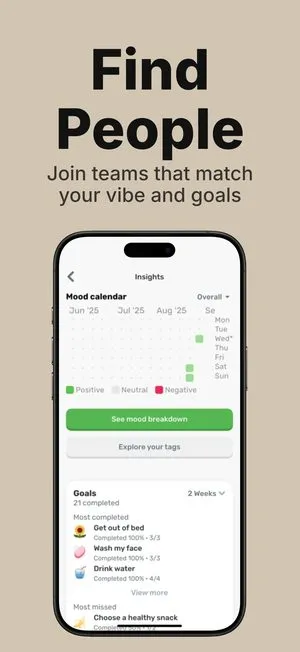
ひとつのデザイン。
48言語。
すべてのストアキャンバス。
二度と入力しない。

デザインを選ぶ。
自分のものにする。
言語を追加。
セット全体が追従します。
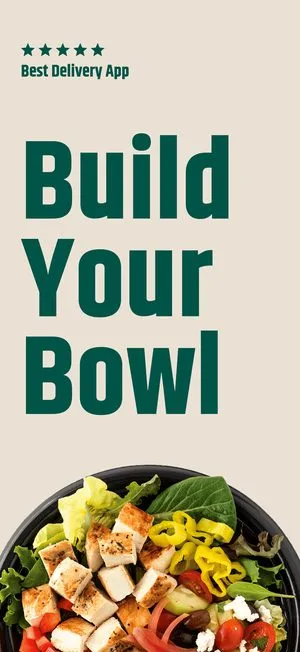
画面は変わらない。文章だけが変わる。
他36のApp Storeロケール
 English (U.S.)
セットから始める。
どのプランでも編集可能。
カタログを見る arrow_forwardMCP経由で21のツール。Claude、ChatGPT、Cursor、Codex、Make、Zapier。
どんなアプリにもシンプルな料金体系
無料で始めて、公開時にアップグレード。シート課金なし、有料プランに透かしなし。
無料カード登録不要
$0/月
本当に無料、試用版ではありません
- 画面とプロジェクト数無制限
- すべてのテンプレート、例外なし
- 33種類すべてのデバイスフレーム、すべてのストアサイズ
- 無制限のエクスポート、PNGとJPG
Pro
$9.99/月
自分のアプリを公開する開発者向け
- 無料プランのすべて、無制限
- すべてのエクスポートに透かしなし
- App Storeの48言語すべて
- Figmaコネクタ
Launch Pass
$149 一括払い
一度の支払いで、ずっと使える
- Proプランのすべて、永久に
- すべてのエクスポートに透かしなし
- App Storeの48言語すべて
よくある質問
他にも質問がありますか?チームまでご連絡ください、ご返信します。
お問い合わせWhat does ScreenMocks do?
ScreenMocks turns raw app screenshots into a polished, localized App Store set. You start from a template, drop in your screens, and export every required size in one pass.
Are the device frames real Apple sizes?
Yes. ScreenMocks ships 33 official device frames in 101 finishes, from iPhone 14 through 17 and the full iPad lineup, plus Google Pixel and Samsung tablet art, at the exact sizes each store expects.
Can I localize my screenshots?
Yes. One design renders all 48 App Store locales. Per-language overrides let you tweak copy or layout for a specific market without duplicating the project.
Do I need design skills?
No. Every project starts from a designed template. Swap your screens, edit the copy, and adjust colors in a live canvas.
Where are my projects stored?
Your projects are saved to your ScreenMocks account, so the same work opens on any machine you sign in from. Only you can read them, and rendering and export happen in your own browser.